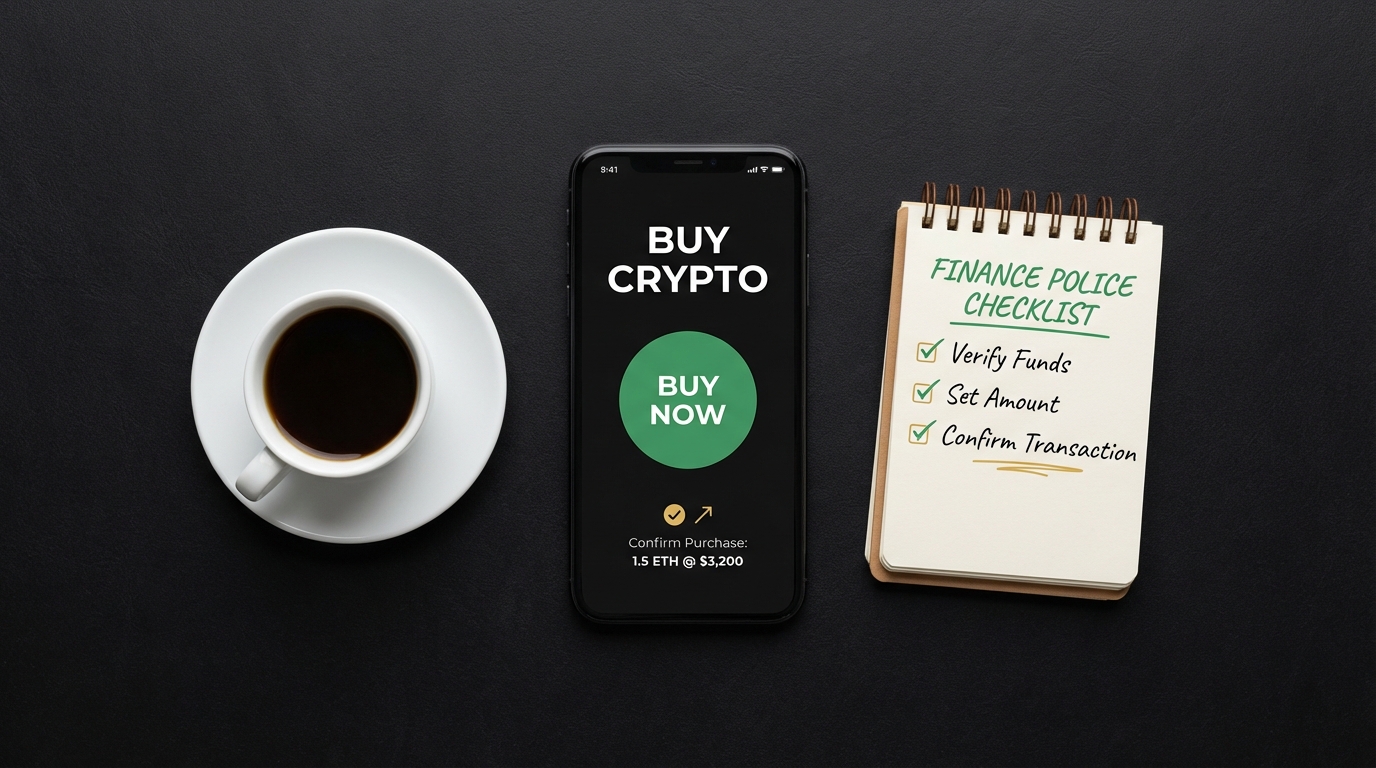
What is a crypto trading app? A clear beginner primer
Definitions: trading app, exchange, wallet (crypto trading app)
A crypto trading app is a software interface that lets you buy, sell, hold, and sometimes send digital coins. Many people use an app to convert fiat currency to crypto, to place trades, or to custody assets in an account that the provider manages.
Understanding who controls the cryptographic keys is central to using any app. Custodial services hold keys on behalf of customers, while non-custodial wallets leave key control with the user; both options have tradeoffs you should know when you compare providers, as explained in custody model guidance from a standards body NIST custody models document.
Regulators advise consumers to check platform disclosures about custody, fees, and risks before transacting. That means looking for clear statements about who holds assets and how customers can withdraw funds if needed, in addition to reading the fee pages and terms of service posted by the provider Investor Bulletin on cryptocurrency investing.
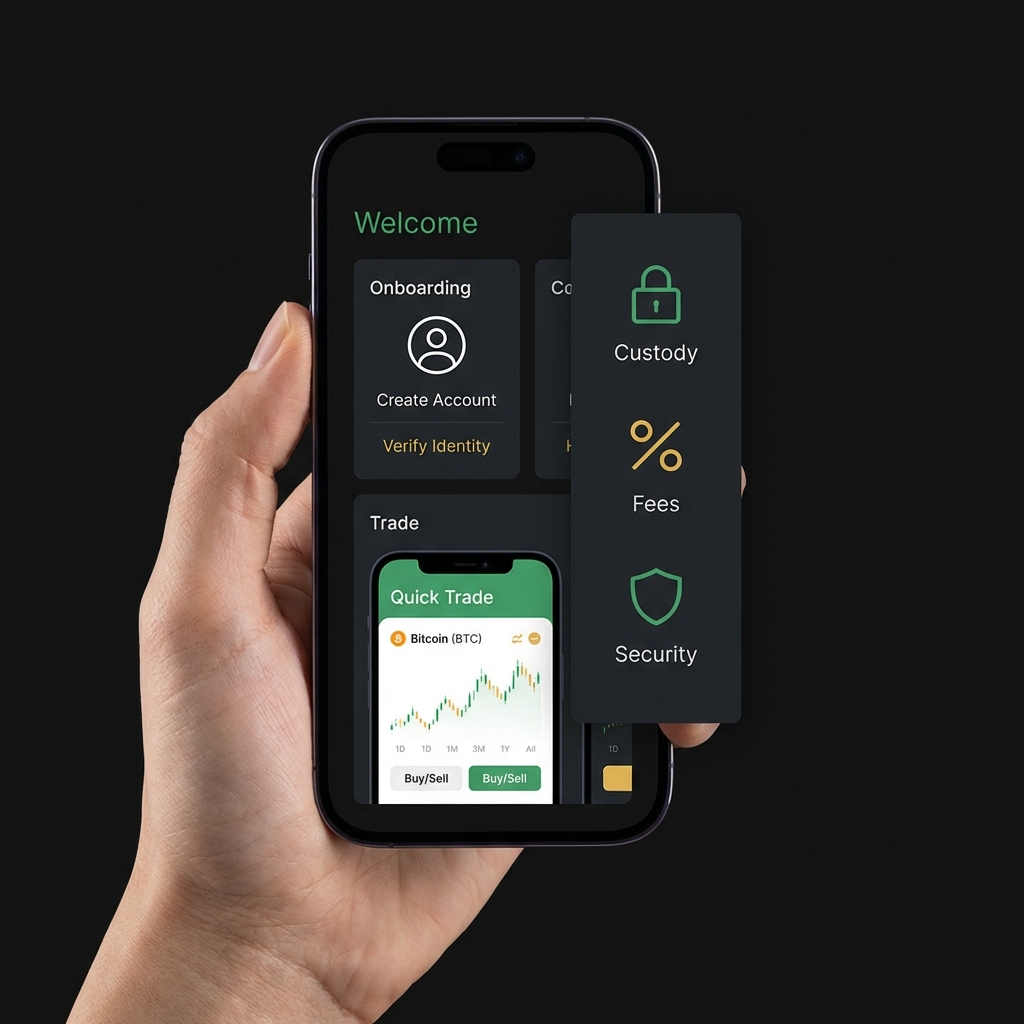
Common user flows in a crypto trading app include onramping fiat, placing a buy or sell order, holding assets in an account, and withdrawing crypto to an external address or converting back to fiat. Each step can have different controls, limits, and fees, so treating the app as a service with rules and disclosures helps avoid surprises. See FINRA guidance on crypto assets for additional regulatory context.
A one-page checklist to compare custody, fees, and security when researching apps
Use one row per app when comparing
When you start researching, keep a simple comparison grid or the checklist above. Track custody statements, whether keys are user controlled, and any insurance or recovery notes the provider publishes, so you can compare like for like as you test apps.

How beginner-focused apps differ from advanced platforms
Simplified interfaces and tradeoffs
Beginner-focused apps often prioritize simplicity: easy buy buttons, guided walkthroughs, and simple charts. These design choices can reduce early confusion and make the first steps less intimidating for newcomers.
Many beginner apps speed up onboarding with tiered verification that progressively unlocks features and limits. Tiered verification can be helpful because it lets you start small while the platform verifies identity, a practice commonly recommended in consumer guides CoinGecko beginner guide.
Which features trade convenience for risk
Simplified UX often pairs with custodial custody, which means the app holds keys and offers convenience at the cost of placing custody risk with the provider. The custody model you choose directly changes who is responsible for safekeeping and account recovery NIST custody models document.
Independent benchmark reports can help separate larger regulated platforms from smaller apps with less established practices by reporting trust scores, liquidity, and security checks. Using these comparative reports is a useful step when you want to weigh convenience against potential platform risk CryptoCompare Exchange Benchmark 2024.
A practical checklist: How to choose a crypto trading app
Prioritize these decision factors
Start your comparison with a clear checklist so you can rank apps on safety and usability. The main factors to compare are custody model, fees and spreads, security controls, supported coins, educational resources, and AML/KYC practices.
Download a simple checklist to compare custody, fees, and security
If you want a quick start, copy this checklist into a note or spreadsheet and use it to score each app as you research, focusing first on custody and security controls.
Custody model: note whether the app is custodial or non-custodial and whether the provider explains key control and recovery procedures. Fees and spreads: look for a clear fee schedule and whether listed prices include a spread or markup. Security controls: check for two-factor authentication, cold storage disclosures, and withdrawal controls. Supported coins and education: confirm the asset list and whether the app offers demos or guides. AML and KYC: verify the platform’s approach to identity verification and on‑platform monitoring Investor.gov custody basics.
Benchmarks and public reports let you validate claims. Use exchange benchmark pages to compare trust scores, liquidity metrics, and documented security practices so you are not relying only on marketing language CryptoCompare Exchange Benchmark 2024.
Step-by-step comparison framework
Give each app a simple score from 1 to 5 on the key factors. Start by checking the custody statement and the fee schedule. Next, note security controls and whether the provider discloses custody locations like cold storage. Then add points for beginner features such as demo modes and step-by-step buy guides.
When you have scores for several apps, compare totals and look for tradeoffs. An app that scores highly on usability but poorly on custody disclosures may be acceptable for very small test amounts but not for long-term storage. Verify any insurance statements or withdrawal practices directly in the provider’s documentation before moving significant funds Investor Bulletin on cryptocurrency investing.
As you compare, keep a testing rule: start with a very small deposit and a small buy to confirm the flow and withdrawal path. That practical test helps uncover hidden steps, verification delays, or unexpected fees before you commit larger sums.
Security deep dive: custody, fraud risk, and platform controls
Custody models explained in practice
Custodial apps simplify user experience by storing private keys for customers, which can make day-to-day trading easier but shifts custody risk to the provider. Non-custodial wallets give you full control of keys and recovery but increase your responsibility to store seed phrases safely, a tradeoff described in custody guidance NIST custody models document.
If you choose custodial custody, read the provider’s explanation of how assets are stored, who can authorize withdrawals, and what recovery or account restoration steps exist. For non-custodial setups, make sure you understand seed phrase backup, hardware options, and safe storage habits.
On-platform monitoring, AML, and fraud signals
Industry crime reports show that fraud and illicit transfers remain material risks, which is why strong AML and KYC practices are important; platforms that monitor transactions and attempt to block suspicious activity reduce one category of risk for users 2025 Crypto Crime Report.
Look for specific controls such as two-factor authentication, withdrawal whitelists, withdrawal cooldowns, and activity alerts. Benchmark reports often list which controls an exchange or app publishes, and that helps you compare security posture without relying only on marketing materials CryptoCompare Exchange Benchmark 2024.
Cold storage disclosures matter for custodial services. If a provider keeps a material portion of assets in cold storage and explains how those keys are separated from hot systems, that is a transparency signal to weigh when you compare custody and security controls.
Fees and costs: how to compare pricing without getting surprised
Types of costs: spreads, trading fees, withdrawal fees
Fees can appear as explicit trading commissions, maker-taker fees, withdrawal fees, or as an embedded spread between the market price and the price you pay. Benchmark reports and fee pages are the best places to compare real costs across providers CryptoCompare Exchange Benchmark 2024.

Because spreads can make the stated price misleading, always check both the fee schedule and a live quote before buying. Some apps show an all-in price; others show a base price and a separate spread or markup. The combination determines the effective cost of a trade and can vary by asset and order size.
Where to find reliable fee information
Provider fee pages and independent benchmark reports are primary sources for cost comparisons. Use those pages to note trading fees, withdrawal fees, and whether fees change by payment method or verification level. Comparing fee schedules side by side helps you spot wide spreads or high withdrawal costs that affect small trades more dramatically CoinGecko beginner guide.
Simple conceptual example: when you buy a small amount to test an app, add the quoted spread and any fixed withdrawal fee to your calculation before you compare. Doing this stepwise helps you see effective cost even when providers present prices differently.
Beginner-friendly features that improve safety and learning
Built-in education, demo modes, and walkthroughs
Helpful features for beginners include clear buy/sell walkthroughs, in-app educational content that explains terms, and demo or sandbox modes to practice without real money. These features let you learn the flows before risking funds and are commonly recommended in beginner guides CoinGecko beginner guide.
Demo modes recreate order flows and confirmations so you can practice placing trades, checking how verification steps look, and learning where to find withdrawal settings without exposing real funds. Use demo modes when available to build familiarity with the interface.
Verification tiers and gradual limits
Verification tiers let you begin with small limits and increase them as you complete identity steps. That approach protects newcomers by limiting withdrawal speed or amounts until KYC is completed, which can help prevent money loss from mistakes or fraud Avoid Cryptocurrency Scams and Fraud.
Start with very small transfers when you first use an app and only increase amounts after you confirm you can withdraw and that verification behaves as described in the provider’s documentation.
Common mistakes beginners make and how to avoid them
Security errors and custody missteps
One frequent error is treating a custodial account like a personal wallet. If keys are held by the provider, you do not control the seed phrase, and account recovery depends on the provider’s policies rather than your own backups. Understanding custody responsibility reduces that risk NIST custody models document.
Avoid sharing seed phrases or storing backups in insecure places. For custodial accounts, do not assume the platform’s insurance covers all losses; check the disclosure pages and terms before trusting a coverage statement Investor Bulletin on cryptocurrency investing.
Common cost mistakes include ignoring withdrawal fees or low liquidity, which can make small trades far more expensive than expected. Check liquidity and withdrawal policies before moving funds so you do not face unexpected costs or delays CryptoCompare Exchange Benchmark 2024.
A beginner should choose an app that clearly discloses custody, offers transparent fee information, and publishes meaningful security controls; start with small test amounts and use independent benchmarks and regulator disclosures to compare providers.
Simple immediate actions: enable two-factor authentication, record recovery steps, and do a small test transfer to confirm withdrawal timing and fees. These steps address the most common avoidable mistakes.
Practical scenarios: which app might fit your first small steps
Buying small amounts to learn
If your goal is to learn, prioritize an app with a straightforward buy flow, clear walkthroughs, and demonstrable security controls. For very small recurring buys used as learning, custodial convenience can make the first steps easier while you learn how the market behaves and how the app works in practice CoinGecko beginner guide.
Occasional traders who plan small experiments should check fees and liquidity for the specific coins they want to trade and prefer apps with clear fee schedules and short withdrawal processes. Compare benchmark trust scores and withdrawal disclosures to reduce surprises when you move funds CryptoCompare Exchange Benchmark 2024.
Trading occasionally versus long-term holding
For long-term storage, many readers may prefer custody models that let them withdraw to a non-custodial wallet or provide clear details about cold storage practices. If you plan to hold assets for years, custody transparency and withdrawal options matter more than in short-term experiments NIST custody models document.
Before moving larger balances, verify any insurance statements and confirm the provider’s withdrawal practice so you understand the process for recovering assets or transferring them off-platform if needed Investor Bulletin on cryptocurrency investing.
Next steps: monitor regulation, verify disclosures, and stay cautious
What to watch in evolving rules and listings
Regulators stress that custody and disclosure practices are core consumer protections, and those expectations can change as rules evolve. Recheck provider documents periodically and look for clearer custody statements as regulatory guidance develops Investor Bulletin on cryptocurrency investing.
Follow independent benchmark reports and crime analyses to spot platform risk indicators over time. Those reports often flag liquidity and security issues that are useful signals when you keep app choices under review 2025 Crypto Crime Report.
A simple verification checklist before you deposit
Before you deposit, confirm five items: the custody statement, fee schedule, withdrawal policy, security controls such as 2FA, and available educational resources. Doing this quick verification each time you try a new app reduces the chance of surprise rules or limits.
Use conservative testing steps: small initial deposits, test withdrawals, and gradual increases only after successful tests and verification of the provider’s published disclosures. Finance Police can help you understand these basics as you compare options, but always verify details directly with the provider.
Custody models determine who controls the private keys. With custodial services the provider holds keys and is responsible for custody, while non-custodial setups make you responsible for key storage and recovery. Each model has different convenience and risk profiles.
Check the spread, trading fees, and withdrawal fees. Look at the provider fee page and an independent benchmark to see how those costs add up for small buys and withdrawals before you deposit.
Yes. Demo or sandbox modes let you practice order flows and verification steps without real money, which is a low-risk way to learn how an app works before funding an account.
References
- https://www.nist.gov/publications/custody-models-digital-assets-security-considerations
- https://www.sec.gov/InvestorBulletin-cryptocurrency-investing
- https://www.coingecko.com/learn/choose-cryptocurrency-exchange
- https://www.cryptocompare.com/exchange/benchmark/2024
- https://www.finra.org/rules-guidance/guidance/crypto-assets-update
- https://financepolice.com/best-micro-investment-apps/
- https://financepolice.com/category/crypto/
- https://www.investor.gov/introduction-investing/general-resources/news-alerts/alerts-bulletins/investor-bulletins/crypto-asset-custody-basics-retail-investors-investor-bulletin-0
- https://blog.chainalysis.com/reports/crypto-crime-2025
- https://www.consumer.ftc.gov/articles/cryptocurrency
- https://financepolice.com/advertise/
- https://financepolice.com/